
Download Plooplayer APK – Free Media Player, Streaming Tool, Multimedia Utility
Overview
Plooplayer is a free desktop and mobile media player application designed to meet diverse multimedia needs. It functions as a comprehensive entertainment hub, combining video playback with built-in web browsing capabilities. The software enables users to stream content directly from m3u or w3u playlist files, offering flexibility for both live and on-demand viewing. Its primary purpose is to simplify media consumption by consolidating streaming, browsing, and playback into a single interface. Target users include casual viewers seeking a straightforward player, as well as power users who prefer customizing their media experience through self-curated playlists.
The app is particularly suited for individuals who already have access to playlist sources and want a reliable tool to manage and play their content. It supports offline viewing, allowing users to download media for later access, and includes casting functionality for seamless playback on larger screens. While the developer did not provide detailed background information, the application’s feature set suggests a focus on customization and user autonomy. Real-world use cases include watching IPTV streams, managing personal media libraries, and browsing content directly within the player. However, the software does not include a playlist provider, which means users must source their own playlists externally.
Key Features & Capabilities
- Integrated Web Browser – Enables direct navigation within the app without switching to a separate browser, ideal for discovering or accessing playlist URLs.
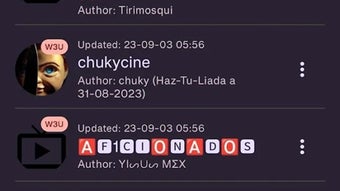
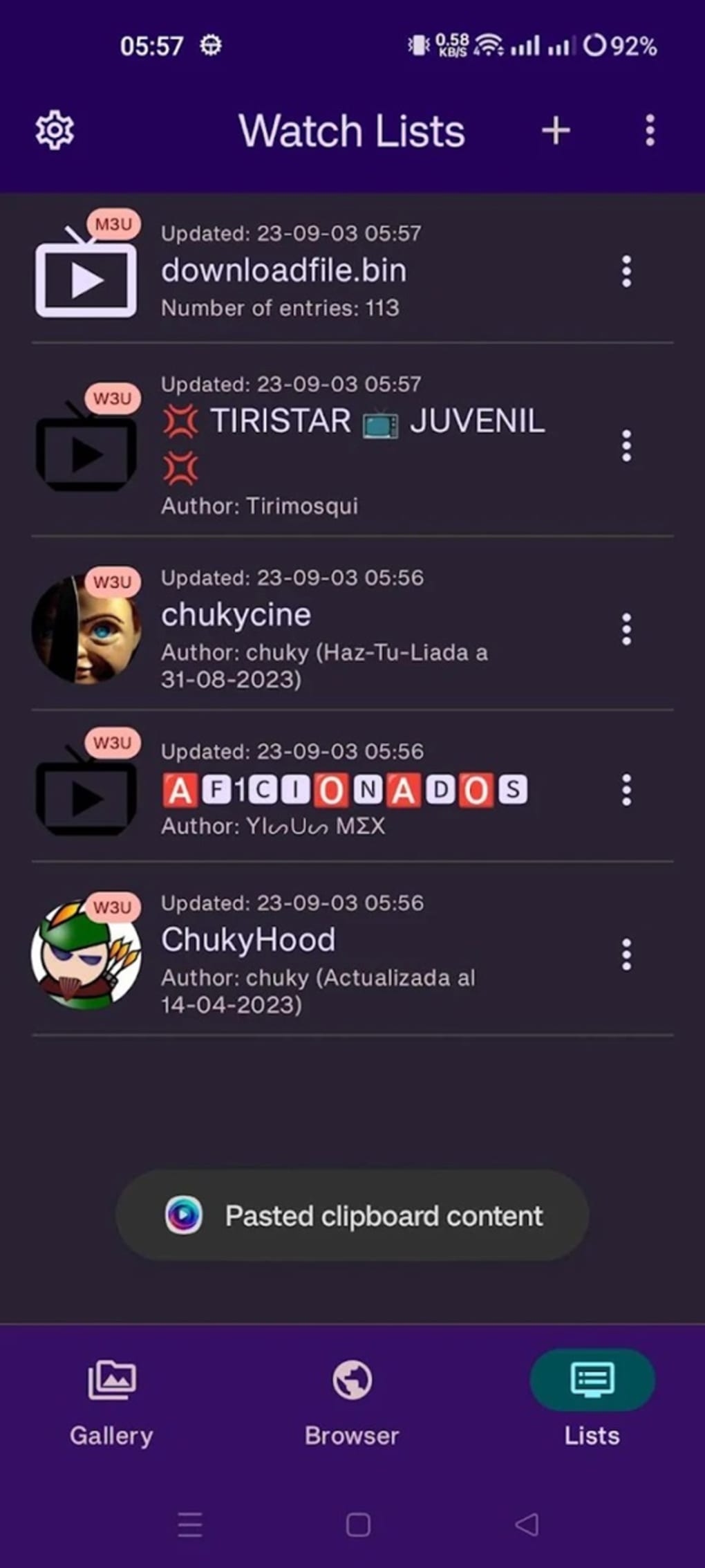
- m3u/w3u Playlist Support – Native compatibility with widely used playlist formats, allowing playback of live streams and video files from external sources.
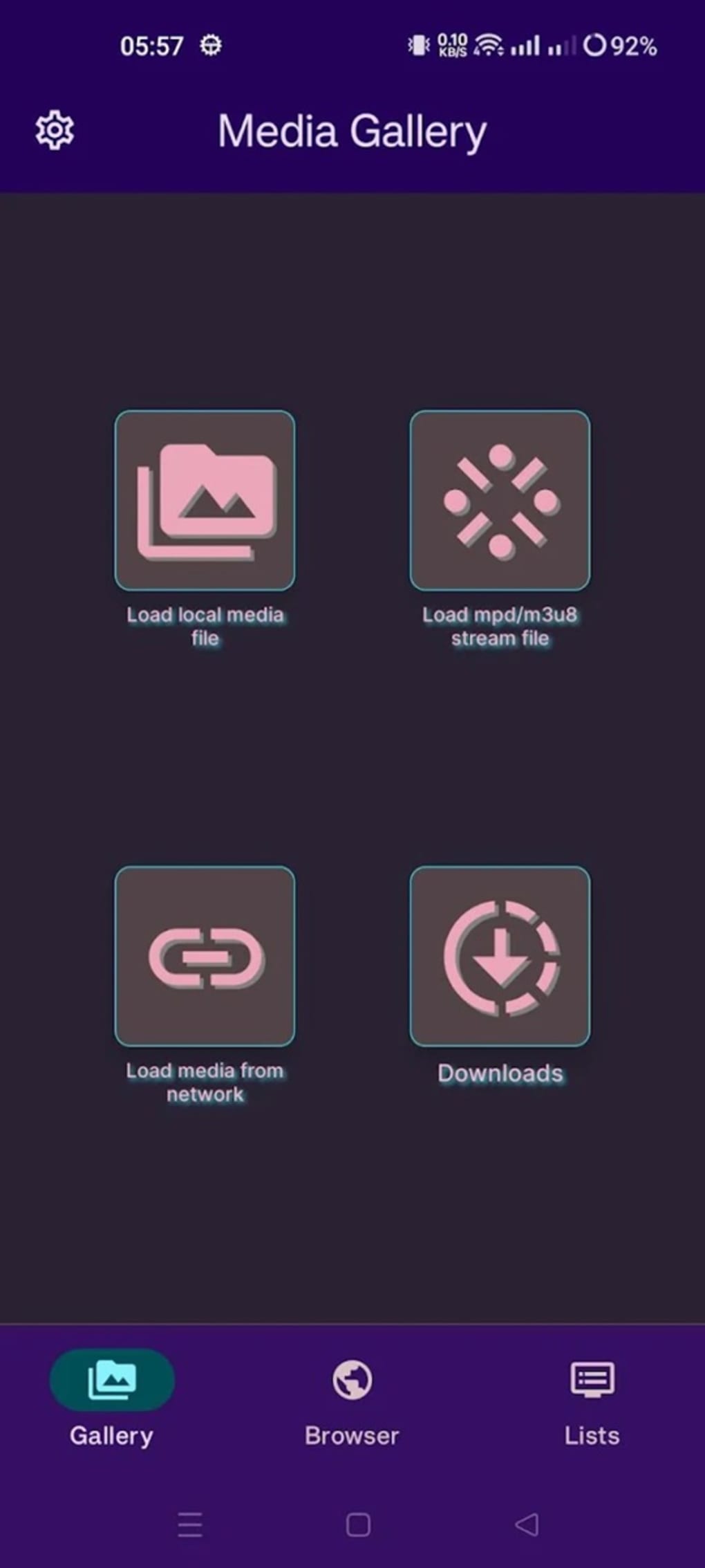
- Streaming & Offline Playback – Users can stream content in real time or download videos for offline viewing, enhancing accessibility across different environments.
- Cast to Devices – Supports casting media to compatible smart TVs, speakers, or other networked devices, improving viewing flexibility.
- Customizable Interface – Offers user-adjustable settings to tailor the experience based on personal preferences and workflow.
These features empower users to manage their media ecosystem efficiently. For example, a user can open the built-in browser, locate a playlist URL, load it into the player, and begin streaming—without leaving the app. The ability to download content is especially useful for users with limited internet access. Casting functionality extends the app’s utility beyond the device screen, making it suitable for home entertainment setups. While the app does not provide playlist discovery tools, its robust support for external sources makes it a strong choice for users who value control over their media content.
User Interface, Workflow & Performance
The user interface of Plooplayer is designed with functionality and accessibility in mind. Navigation is structured to prioritize core actions—playlist loading, playback control, and web browsing—ensuring a streamlined workflow. The layout supports intuitive interaction, allowing users to switch between media playback and web navigation with minimal effort. Menus are logically organized, and key controls are positioned for easy access during playback.
Workflow efficiency is enhanced by the integration of the browser and player, reducing the need to switch between applications. Users can load playlists directly from the browser, minimizing setup time. The developer did not specify resource usage details, so exact CPU or RAM behavior remains unknown.
Performance observations are based on general software behavior patterns. Stability during extended playback sessions was not documented. However, the design suggests a focus on reliability for continuous media consumption.
The app appears to be optimized for smooth playback, though actual performance may vary depending on the user’s device and network conditions.
Compatibility & System Requirements
Plooplayer is available as an APK file, indicating it is designed for Android-based devices. The supported operating system is Android, though specific version requirements were not listed. Installation size is not specified, and the developer did not provide detailed hardware requirements.
Compatibility information is limited to the platform type. Users should ensure their device meets general Android app standards for installation and operation. The developer did not specify whether the app supports tablets, wearables, or other Android variants.
For users seeking a desktop version, no such information is available. Exact system requirements were not listed, so users are advised to test the app on their device to confirm functionality.
Pros and Cons
Pros
- Free to download and use, making it accessible to a broad audience.
- Supports m3u and w3u playlist formats, widely used in IPTV and media streaming.
- Includes a built-in web browser for seamless playlist discovery and navigation.
- Offers offline viewing and casting to external devices for flexible playback.
- Designed for customization, allowing users to tailor the experience to their needs.
Cons
- Lacks a built-in playlist provider, requiring users to source playlists externally.
- No official desktop version available; currently limited to Android devices.
- Exact system requirements and performance data were not provided.
- May require technical knowledge to set up and manage playlists effectively.
- Availability of content depends entirely on user-provided sources.
FAQ Section
Is Plooplayer available for Windows or Mac?
The software is currently distributed as an APK file, which is designed for Android devices. There is no official version for Windows or Mac operating systems.
Is Plooplayer safe to download and use?
Plooplayer is a free app available through APK distribution. Users should ensure they download the file from a trusted source to avoid potential security risks. Always verify the authenticity of the APK before installation.
Does Plooplayer include a playlist provider?
No, Plooplayer does not include a built-in playlist provider. Users must obtain and manage their own m3u or w3u playlist files from external sources.
Can I use Plooplayer without an internet connection?
Yes, the app supports downloading content for offline viewing. However, an internet connection is required to initially load playlists and access online streams.
How often does Plooplayer receive updates?
Update frequency was not specified by the developer. Users should check the source of the APK regularly for the latest version.
Final Thoughts + CTA
Plooplayer stands out as a versatile, free media player tailored for users who value control and customization in their entertainment experience. Its integration of a web browser with robust playlist support makes it a powerful tool for streaming and managing media content. While the absence of a playlist provider may be a limitation for beginners, it is a strength for advanced users who prefer autonomy over their media sources.
The app delivers a seamless workflow for those with existing playlists, offering streaming, casting, and offline access in one package. For Android users seeking a feature-rich, no-cost solution, Plooplayer is a compelling option. Despite limited information on system requirements and updates, its core functionality is well-executed and purpose-driven.
Download Plooplayer APK now and take full control of your media experience.






.png)
